
Title: Watch Me Work: A Full Tutorial for AI Faceless Video Production (2026)
Slug: tutorial-ai-faceless-video-production
Meta Description: Follow our complete 2026 tutorial for AI faceless video production. We document the entire workflow, from script to final video, revealing the exact tools, costs, and time spent.
Tags: [‘ChatGPT’, ‘ElevenLabs’, ‘Pictory’, ‘CapCut’, ‘AI Avatars’, ‘YouTube Shorts’, ‘AI Video Generation’]
Keywords: [‘AI faceless video production tutorial’, ‘AI video creation’, ‘faceless video workflow’, ‘AI scriptwriting’, ‘AI voiceover’, ‘text-to-video AI’, ‘CapCut auto captions’, ‘AI video cost’, ‘AI content compliance’]
The Full Workflow: An AI Faceless Video from Scratch
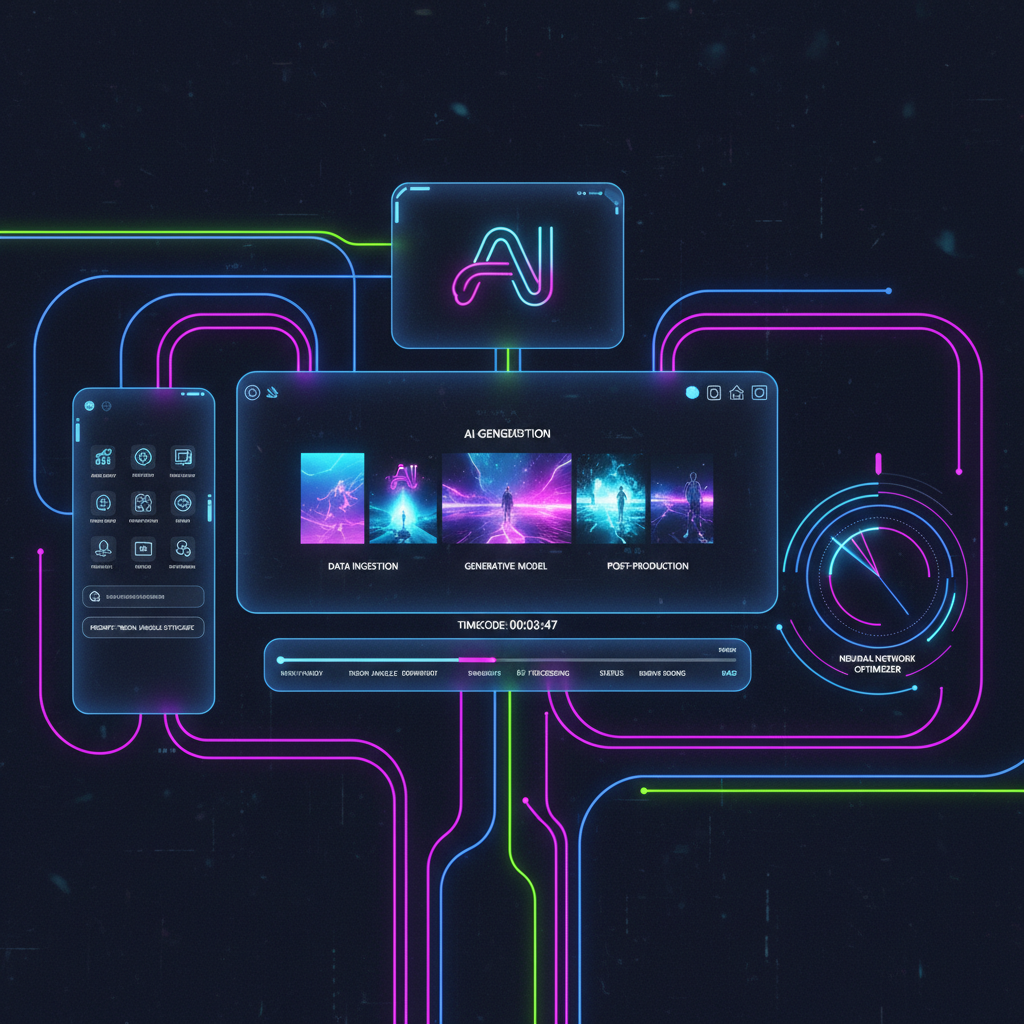
This article is a live, step-by-step case study documenting the creation of a single faceless video from concept to completion. We’re focusing on the niche of ‘surprising history facts’ for the YouTube Shorts platform. You’ll see the exact AI tools, prompts, and the total time and cost involved in bringing this short video to life.
- Complete Workflow Demonstrated: This tutorial covers the four essential stages: AI scriptwriting, AI voiceover, AI video generation, and final editing.
- Budget & Time Analysis: The entire project was completed in under 2 hours with a starting tool cost of less than $30 per month.
- Critical Platform Compliance: As of 2026, disclosing AI-generated content on platforms like YouTube and TikTok is mandatory; this tutorial shows you how.
Step 1: AI Script Generation with ChatGPT (Time: 5 Mins)
The first crucial step in creating any video is a compelling script. For this case study, we aimed for a concise, engaging script around 150 words, perfect for a YouTube Short. We leveraged the free version of ChatGPT for this task due to its accessibility and powerful natural language processing capabilities. The key to getting a usable script from AI is a detailed prompt.
Here’s the exact prompt used: “Write a 150-word script for a YouTube Short about a surprising and little-known historical fact. The tone should be engaging and slightly mysterious, ending with a hook that encourages viewers to learn more. Focus on the ‘History Facts’ niche.” ChatGPT quickly generated a script about the Great Emu War in Australia, which fit the criteria perfectly. This tool is ideal for initial script generation because it can rapidly produce multiple variations and adapt to specific niche requirements with clear instructions.
Step 2: AI Voiceover with ElevenLabs (Time: 10 Mins)
With the script finalized, the next step is to generate a voiceover. For this, we used ElevenLabs, a leading AI voice generation platform. Even their starter plan, priced at $5 per month, offers incredibly realistic and human-like voices, making it a top choice for creators prioritizing audio quality and anonymity.
We pasted the 150-word script directly into the ElevenLabs interface. The platform allows users to select from a wide array of high-quality voice presets. For this ‘surprising history facts’ video, we chose a voice preset named ‘Adam’, known for its clear enunciation and slightly dramatic tone, which complements historical storytelling. Generating the audio file took mere minutes. The quality difference ElevenLabs offers is significant; its advanced synthesis technology captures subtle inflections and pacing, making the AI voice virtually indistinguishable from a human narrator. This level of quality is essential for maintaining viewer engagement in faceless content.
Step 3: Text-to-Video Production with Pictory (Time: 20 Mins)
Now, we need to bring the script and voiceover to life visually. Pictory is an AI-powered text-to-video tool that excels at this. It automates the most time-consuming aspect of video creation: finding and editing relevant footage. For this step, we utilized Pictory’s Standard plan at $19 per month.
The process involves uploading both the script and the generated audio file. Pictory’s AI then analyzes the text and automatically selects relevant stock video clips and images from its extensive library that match the narration’s context. For our Great Emu War script, Pictory pulled clips of Australian landscapes, historical footage of soldiers, and even animations depicting the conflict. This core function dramatically speeds up production. While the AI’s initial selection is often good, Pictory also allows for easy swapping of clips and fine-tuning, ensuring the visuals align perfectly with the narrative. This makes it an efficient solution for creators focusing on informational or storytelling video formats.
Step 4: Final Assembly & Captions in CapCut (Time: 25 Mins)
The final stage involves assembling all the elements and optimizing the video for its platform. We used CapCut, a powerful and free video editing software available on both desktop and mobile. Its standout feature for short-form content is its auto-captioning capability.
In CapCut, we imported the video generated by Pictory and the voiceover audio from ElevenLabs. We then layered in some royalty-free background music sourced from Pixabay Music to enhance the atmosphere. The most critical part of this step was generating on-screen text. CapCut’s auto-caption feature automatically transcribes the voiceover, creating synchronized subtitles. These captions are vital for platforms like YouTube Shorts, where many users watch with the sound off. We reviewed and slightly adjusted the auto-generated captions for accuracy and timing. Finally, we ensured the video’s total runtime was under 60 seconds, adhering to YouTube Shorts’ platform requirements.
What is the Essential AI Tool Stack & Cost for Faceless Production?

Creating compelling faceless videos requires a strategic selection of AI tools. The cost can vary significantly based on the features and quality you need. Understanding these options allows creators to tailor their toolkit to their budget and production goals.
2026 Budget Breakdown: Starter vs. Professional Toolkits
For creators just starting or operating on a tight budget, a starter toolkit can be incredibly effective. For less than $30 per month, you can access powerful AI tools that cover the entire production pipeline.
| Feature | Starter Stack (Under $30/mo) | Professional Stack ($70+/mo) |
|---|---|---|
| Scripting | ChatGPT (Free version) | Jasper AI ($59/mo) |
| Voiceover | ElevenLabs ($5/mo) | Murf AI ($19/mo for Pro) |
| Video Gen. | Pictory ($19/mo) | InVideo AI ($25/mo) |
| Editing | CapCut (Free) | CapCut Pro ($7.99/mo) |
| Total Monthly | ~$24/month | ~$110+/month |
This breakdown highlights that high-quality AI faceless video production is accessible even for beginners. The professional stack offers more advanced features, potentially faster workflows, and higher production values, but the core functionality needed to launch a channel is available in the starter options.
Choosing Your Visual Style: AI Avatars (HeyGen) vs. Stock Video (Pictory)
When it comes to visuals, two primary AI-driven approaches dominate faceless video production: using AI-generated avatars or relying on stock footage. The choice largely depends on the video’s niche and purpose.
Pictory excels for narrative-driven content, such as history facts, story readings, or listicles. Its strength lies in automatically matching stock video clips to your script, creating a visually dynamic experience without needing on-camera talent or complex animations. This approach is ideal for informational content where the focus is on the information itself. Pictory’s Standard plan starts at $19 per month.
Conversely, HeyGen offers AI avatar videos, starting at $24 per month for its Creator plan. This tool is better suited for educational content, tutorials, or presentations where a presenter figure is beneficial. You can choose from various AI avatars and even create a custom one. These avatars speak your script, providing a more direct presenter-style feel without ever showing your face. This can be particularly effective for channels aiming to build a brand personality through a consistent AI spokesperson.
Is an AI Voiceover Tool Really Necessary?
A common question for aspiring faceless creators is whether investing in an AI voiceover tool is essential. While some creators opt to use their own voice, AI voiceover tools like ElevenLabs, Murf AI, or PlayHT offer distinct advantages crucial for scalable faceless content automation.
Firstly, they provide anonymity. This is fundamental to the “faceless” concept, ensuring your personal identity remains private. Secondly, AI voices offer consistency. You get the same voice, tone, and quality every time, which builds brand recognition. Thirdly, and perhaps most importantly for automation, they enable scalability. You can generate hours of narration in minutes without needing to set up recording equipment, find a quiet space, or perform multiple takes. Modern AI voices, like those from ElevenLabs, are so realistic that they capture nuances in human speech, making them highly engaging for viewers and eliminating the “robotic” feel of older text-to-speech technologies.
How Do You Comply with 2026’s AI Content Policies?

As AI-generated content becomes more prevalent, platforms are implementing policies to ensure transparency. Adhering to these rules is crucial for creators to avoid potential penalties, such as demonetization or content removal.
Mandatory Disclosure: Labeling AI Content on YouTube and TikTok
Transparency is key in the current digital landscape. Both major platforms, YouTube and TikTok, now have explicit policies requiring creators to disclose when content is AI-generated.
- YouTube: Since its policy update in March 2024, YouTube requires creators to indicate if their uploaded content contains AI-generated or manipulated material. This is typically done via a checkbox in the upload settings. Failing to disclose can lead to content being flagged or demonetized.
- TikTok: Similarly, TikTok mandates that AI-generated or altered content be labeled. This helps users understand the nature of the media they are consuming.
- Instagram: Meta, the parent company of Instagram, also requires disclosure for AI-generated content that appears realistic, aligning with the broader industry trend towards transparency.
Ignoring these disclosure requirements can jeopardize your channel’s standing on these platforms. It’s essential to familiarize yourself with each platform’s specific guidelines and implement them consistently.
Production Time vs. Experience Level
Setting realistic expectations for production time is vital for sustainable content creation. The learning curve for AI tools is relatively gentle, but initial projects naturally take longer.
For beginners, the first few videos using this workflow can take approximately 2 to 4 hours to complete. This includes the time spent learning each tool, refining prompts, selecting the best AI voices and video clips, and mastering the editing software. As demonstrated in this case study, even with efficient tools, the initial setup and learning phase require dedication.
However, as creators gain experience and familiarity with the AI platforms and their specific workflows, production time can be significantly reduced. Experienced creators in the faceless content space often streamline the process to 30 to 60 minutes per video. This efficiency comes from optimized prompt templates, quicker decision-making regarding voice and visuals, and mastery of editing shortcuts. The goal is to reach this level of efficiency to maintain a consistent posting schedule.
The barrier to entry for creating engaging video content has been dramatically lowered by AI. What once required expensive equipment, extensive editing skills, and significant time investment can now be accomplished with a suite of accessible AI tools in a matter of hours, not days.
Your turn. Replicate this tutorial by creating a 30-second history-fact video using the free trials or free versions of the tools mentioned. Experiment with different prompts and voice options to find what works best for you.