Setting up an AI-powered faceless Twitch stream in 2026 involves integrating three core technologies: a virtual avatar, a real-time voice changer, and AI-driven interactivity tools. This approach is rapidly gaining traction, with faceless streaming hours watched on Twitch seeing a significant 40% year-over-year growth, all while adhering to AI content creation ethics.
- The three essential AI components for a faceless stream are VTuber software, real-time voice changers, and AI interactivity tools.
- High-quality facial tracking for avatars is best achieved with an iPhone’s Face ID camera over a standard webcam.
- Modern AI voice changers like Voicemod have an average latency of only 20-30ms, making them viable for live interaction.
- The market is growing rapidly, with faceless streaming hours watched on Twitch increasing by 40% year-over-year.
What Is the Core AI Tech Stack for a Faceless Twitch Stream in 2026?
Creating a compelling faceless stream in 2026 relies on a sophisticated blend of AI-powered tools that work together to create a unique on-screen persona and engaging viewer experience. At its heart, this stack comprises three primary components: a virtual avatar system for your visual presence, a real-time AI voice changer for your audio identity, and advanced AI tools to enhance stream interactivity.
Choosing Your Avatar: 2D (VTube Studio) vs. 3D (VRoid Studio)
The visual representation of your faceless stream typically falls into two main categories: 2D and 3D avatars. For 2D models, software like VTube Studio is a popular choice, utilizing Live2D technology to animate characters. These models can be highly expressive and are often easier to design or commission. On the other hand, 3D avatars, commonly created using free tools like VRoid Studio, offer a different kind of immersion. These models are exported in the .VRM format, a standard that works with various VTuber applications such as VSeeFace or Animaze.
While both 2D and 3D avatars offer distinct advantages, the most critical factor for a lifelike performance is the quality of facial tracking. Standard webcams can provide basic tracking, but they often struggle with capturing subtle nuances. For significantly higher fidelity, connecting a smartphone with advanced facial recognition technology, such as an iPhone with Face ID, to your avatar software is the superior approach. This depth-sensing technology provides much more detailed and accurate tracking data, resulting in smoother, more responsive avatar animations. Twitch’s Terms of Service permit the use of virtual avatars for entertainment purposes, as long as they are not used for impersonation or to violate community guidelines.
Real-Time AI Voice Changers vs. Voice Cloning
Your voice is a crucial element of your on-stream persona, and AI offers powerful tools to modify it. The primary options are real-time AI voice changers and voice cloning platforms. Voicemod stands out as a leading AI voice changer, offering a vast library of over 90 distinct AI-generated voice filters. It boasts a remarkably low processing delay, typically around 20-30ms, making it suitable for live interaction without noticeable lag. With over 20 million downloads and 2 million monthly active users, Voicemod is a widely adopted solution.
For those seeking a more personalized touch, platforms like Voice.ai specialize in real-time voice cloning. This means you can train the AI on your own voice (or another sample) to create a unique, recognizable AI voice that you can use live. Voice.ai processes over 10 million voice conversions daily, indicating the scale of its capabilities. The main technical challenges with these real-time voice technologies revolve around CPU usage and maintaining low latency, ensuring your voice sounds natural and responsive during your stream.
Automating Stream Interactivity Beyond Basic Chatbots
Modern AI is revolutionizing stream interactivity, moving far beyond the capabilities of traditional chatbots like Nightbot. AI can now power more dynamic and responsive engagement features. For instance, AI tools can offer advanced, context-aware moderation, understanding the nuances of chat conversations to filter out spam or inappropriate content more effectively than simple keyword filters. Furthermore, AI can be programmed to generate unique on-screen alerts that are dynamically customized based on specific chat events or sentiment analysis. Imagine alerts that change based on the overall mood of the chat or react to specific keywords in a more intelligent way. AI can also be leveraged to create interactive games or experiences that directly respond to the live chat’s collective input or sentiment, creating a more immersive and participatory environment for your viewers, much like how AI for creating faceless Twitter threads can capture audience attention.
What Hardware Do You Actually Need for a Stable AI Stream?
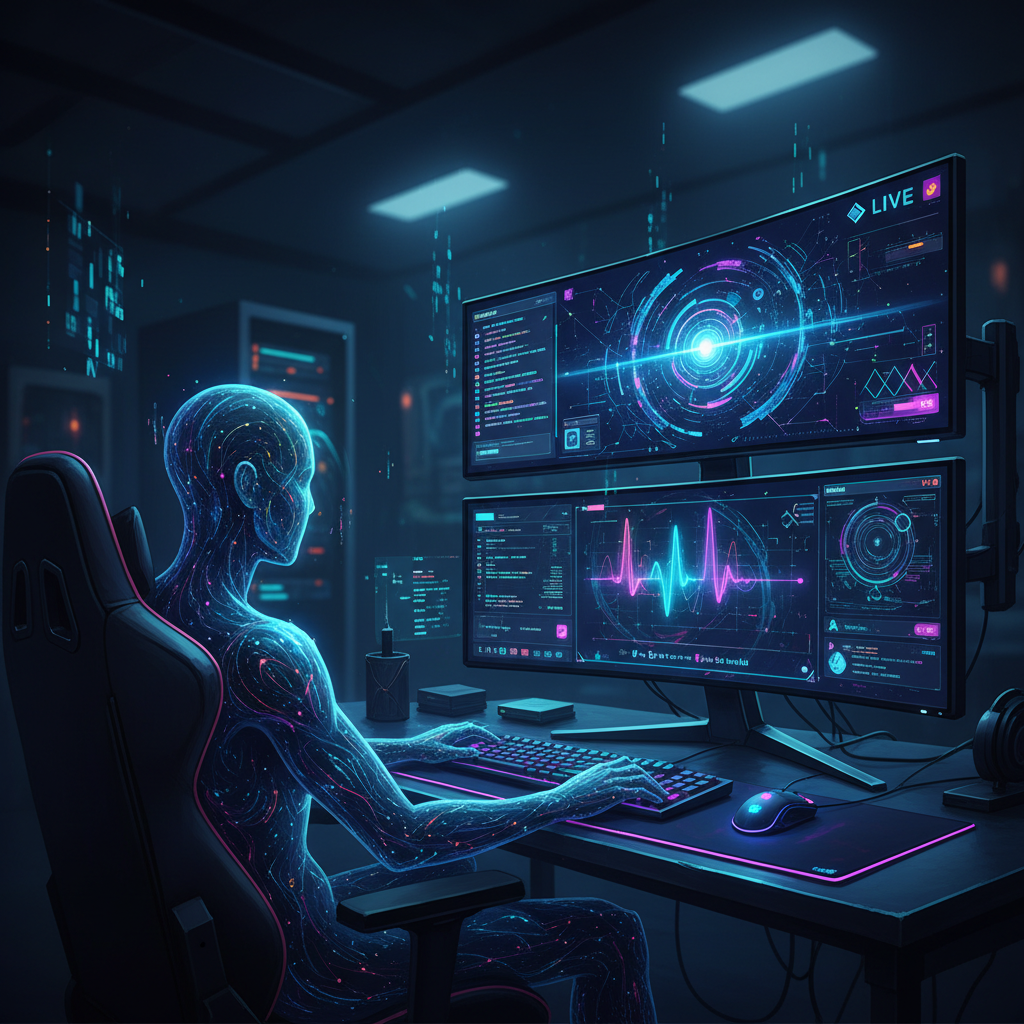
Achieving a smooth, lag-free AI-powered stream requires careful consideration of your hardware. Running multiple AI applications simultaneously, such as avatar tracking and voice changing, can be resource-intensive. Understanding the minimum and recommended specifications will help you avoid performance bottlenecks.
Minimum vs. Recommended PC Specs for AI Streaming
To ensure your AI stream runs without stuttering or dropped frames, meeting certain hardware benchmarks is essential. For the core VTubing aspects, including avatar tracking and rendering, a minimum of an Intel i5-8400 or AMD Ryzen 5 2600 CPU, paired with 16GB of RAM, is generally advised. A dedicated GPU like the NVIDIA GTX 1060 or AMD RX 580 is also a baseline requirement.
However, for the added demands of real-time AI voice processing and more complex avatar animations, it’s highly recommended to upgrade. A more robust CPU, such as an Intel i7-9700K or AMD Ryzen 7 3700X, will provide ample processing power. While 16GB of RAM can suffice, stepping up to 16-32GB offers greater headroom for resource-hungry AI applications. Crucially, an NVIDIA RTX series GPU is strongly recommended. These cards are optimized for AI tasks and enable features like NVIDIA Broadcast’s AI-powered noise removal, which can significantly clean up your audio. Meeting these recommended specifications is vital for maintaining low latency in voice changers and ensuring fluid avatar movements, which are key to an engaging faceless stream.
Why an iPhone with Face ID Beats a Standard Webcam for Tracking
The quality of your avatar’s animation is directly tied to the accuracy of its facial tracking. While standard webcams can capture facial movements, they rely on 2D image analysis, which can be prone to inaccuracies due to lighting changes or head angle shifts. This often results in jerky or less responsive avatar movements.
An iPhone equipped with Face ID, however, offers a significant technological advantage. The integrated TrueDepth camera system uses infrared light to create a detailed depth map of your face. This depth-sensing technology provides a much richer dataset of your facial expressions, including subtle movements of your cheeks, jaw, and eyebrows. Software like VTube Studio is specifically designed to leverage this high-fidelity tracking data, translating your real-world expressions into incredibly lifelike and fluid avatar animations. This level of detail is difficult, if not impossible, to achieve with a standard 2D webcam, making an iPhone with Face ID a game-changer for creators prioritizing realistic avatar performance.
Is Investing in a Faceless AI Setup Worth It in 2026?

The decision to invest time and resources into a faceless AI streaming setup hinges on the market’s current trajectory and the potential for audience engagement. The data clearly indicates a strong and growing interest in this form of content, making it a compelling avenue for creators, especially those looking to build a presence with faceless content for Patreon.
Market Analysis: Explosive Growth in VTuber and Faceless Viewership
The audience for virtual and faceless content is not just present; it’s expanding rapidly. In 2023, the VTuber market saw a substantial 28% year-over-year growth in viewership, demonstrating increasing mainstream appeal. Beyond fully virtual avatars, content from self-identified “faceless” streamers experienced an even more dramatic surge, with hours watched on Twitch increasing by 40% year-over-year. This indicates a broad audience actively seeking entertainment from creators who don’t necessarily show their physical faces. Furthermore, the “VTubing” category alone consistently maintains an average of over 50,000 concurrent viewers on Twitch, underscoring the significant audience engagement potential for this niche. This robust market growth suggests a receptive audience eager for unique and innovative streaming experiences.
Budgeting Your Setup: From a $200 Start to a $2,000+ Pro Rig
Starting a faceless AI stream doesn’t necessarily require a massive upfront investment. A basic setup can be surprisingly affordable, potentially costing between $200-$500. This entry-level tier often involves utilizing free software such as VRoid Studio for avatar creation and VTube Studio for tracking (potentially using a smartphone you already own). You might also commission a more basic 2D avatar or utilize free assets. Your existing PC, if it meets minimum specifications, can often handle this initial load.
For creators aiming for a professional-grade experience, the investment can climb to $2,000 or more. This higher-end rig typically includes premium software licenses, a highly detailed custom 3D or 2D avatar with advanced rigging, and potentially specialized hardware for even more precise motion capture. The inclusion of high-end GPUs, like NVIDIA’s RTX series, also plays a role in the overall cost, enabling smoother performance and access to advanced AI features. Understanding these cost tiers helps aspiring streamers plan their investment based on their budget and desired level of production quality.
The most surprising finding is the accessibility of starting a faceless AI stream, with viable setups costing as little as $200. To begin your journey, download the free software VRoid Studio to create your first 3D avatar and explore the creative possibilities before committing any significant funds, or consider how AI-generated courses without showing face can offer another avenue for content creation.